Duplicate customers and contacts
Three “John Smith” entries, one real account, and a mess of notes scattered across them. That kind of clutter slows every follow-up.
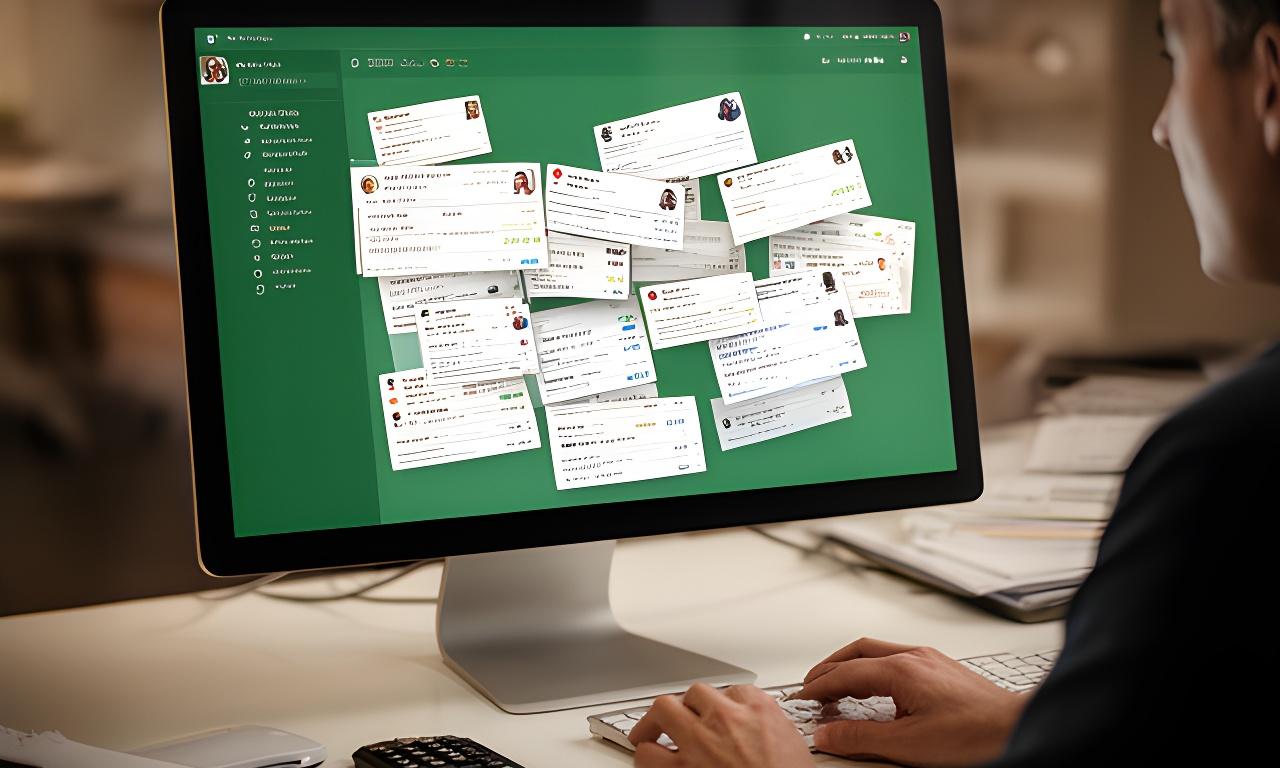
When your CRM shows three entries for the same client, who do you trust? Doug's SQL sorts out duplicates, inconsistent records, and data junk so your numbers finally line up with reality.
Duplicates are loud. The real damage is quieter. Are your reports drifting, your lists fragmenting, or your staff manually fixing the same records twice?
Three “John Smith” entries, one real account, and a mess of notes scattered across them. That kind of clutter slows every follow-up.
Phone numbers, addresses, and naming formats don’t match. Should a sales rep trust the list, or spend half the day guessing?
Orphaned records and duplicates distort totals, forecasts, and segment counts. Clean reporting starts with clean source data.
Training records, fake accounts, and abandoned imports linger for years. Why keep carrying dead weight?
If marketing can’t target the right audience, your database is already costing you money in quiet ways.
We don’t just delete duplicates and hope for the best. That would be a terrible plan. Instead, we follow a controlled deduplication process that respects your business rules.
We scan for duplicate records, orphaned rows, and oddball anomalies, then map where the damage is hiding.
Which record is the master? Which note wins? We agree on the logic before a single merge happens.
Scripts merge duplicates and reassign foreign keys carefully so you keep history, relationships, and useful context.
We spot-check outcomes, reconcile record counts, and confirm the database still behaves exactly as expected.
Unique constraints, triggers, and scheduled cleanup jobs help keep the mess from coming back. Why do the same work twice?
This one moved fast. A real-estate team came to us with duplicate contacts everywhere, and mailing errors were becoming the norm rather than the exception.
Mailing accuracy jumped to 99%, and agents got back about five hours every week. That’s a real return, not a vague promise. The database became something people could actually trust.
A one-time purge helps. Ongoing maintenance keeps your system from sliding back into chaos. Wouldn’t that be the smarter move?
Clean data changes the mood in a team. People stop second-guessing reports and start using them again.
We thought the reporting issue was a dashboard problem. It wasn’t. Doug's SQL found the duplicates, cleaned the mess, and gave us numbers we could finally defend in meetings.
Need a backup plan? Want to know how manual review works? Here are the questions businesses ask most often before they start.
That’s common. We flag ambiguous matches for human review so you keep control over edge cases and don’t lose important history by accident.
Usually, yes. We plan the workflow around your usage pattern and choose safe windows for heavier operations. No drama. No surprise outage.
Carefully. Financial records need stricter validation, and we treat them as a special case with extra checks, backups, and sign-off before anything is merged.
Yes. Backups, verification steps, and a rollback path are part of the plan. Clean-up work should make you calmer, not nervous.
That’s the goal. We preserve relationships and structure so your application keeps functioning while the data underneath becomes far more reliable.
Request a cleanup assessment from Doug's SQL. We’ll review the duplicates, normalize the records, and show you where reporting accuracy is leaking away.